What is CPQ3D?
CPQ3D stands for Configure-Price-Quote in 3D. It adds an interactive 3D product configurator to your website. Your website visitors can design your products in real-time 3D (choosing models, colours, dimensions, and extras) and request a quote with one click. You receive their full specifications by email, ready to follow up.
No developers needed. No monthly subscription. Your first 10 quote requests are free.
(vs. ~1% with a contact form)
no developers needed
no credit card required
What your customer sees
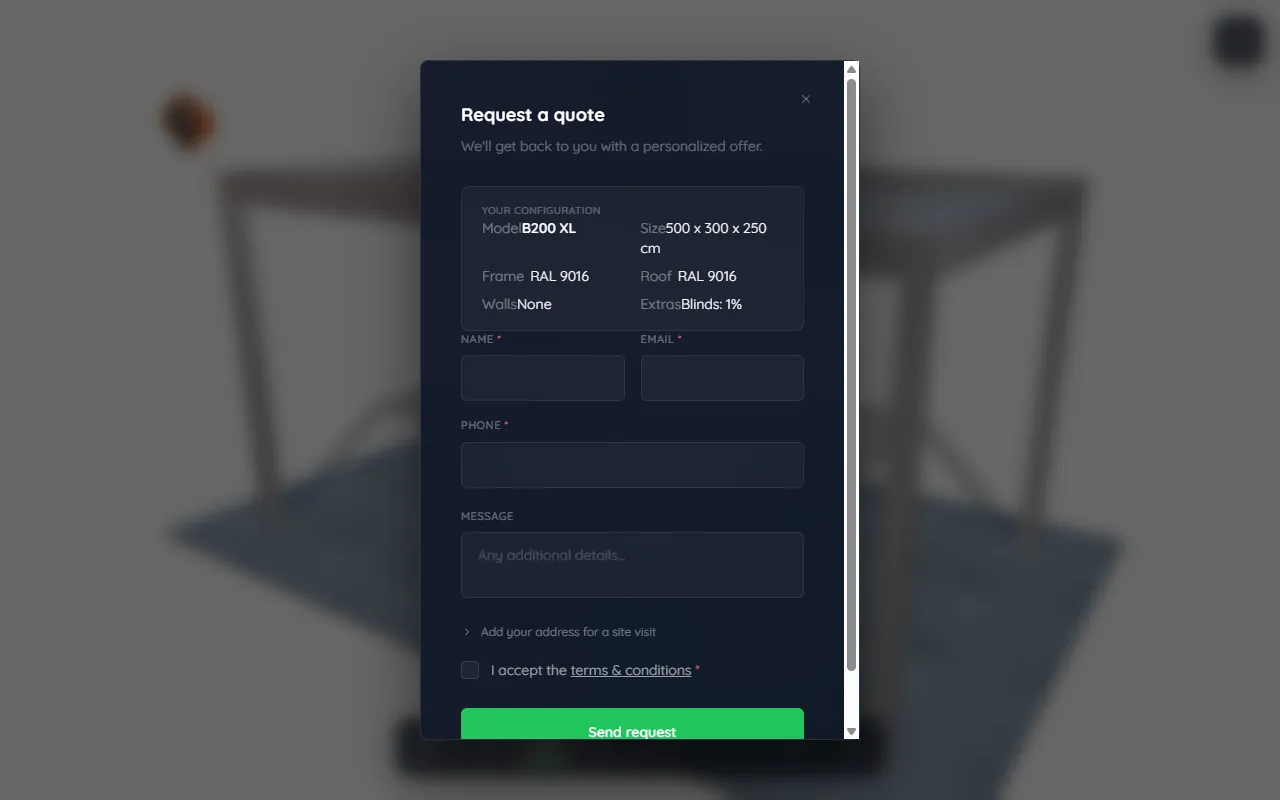
When a visitor on your website clicks the "See in 3D" button on one of your product photos, the configurator opens. They pick a model, adjust the size, choose colours and extras, all in real-time 3D. When they're happy with what they've designed, they fill in their name and email and click "Send request".
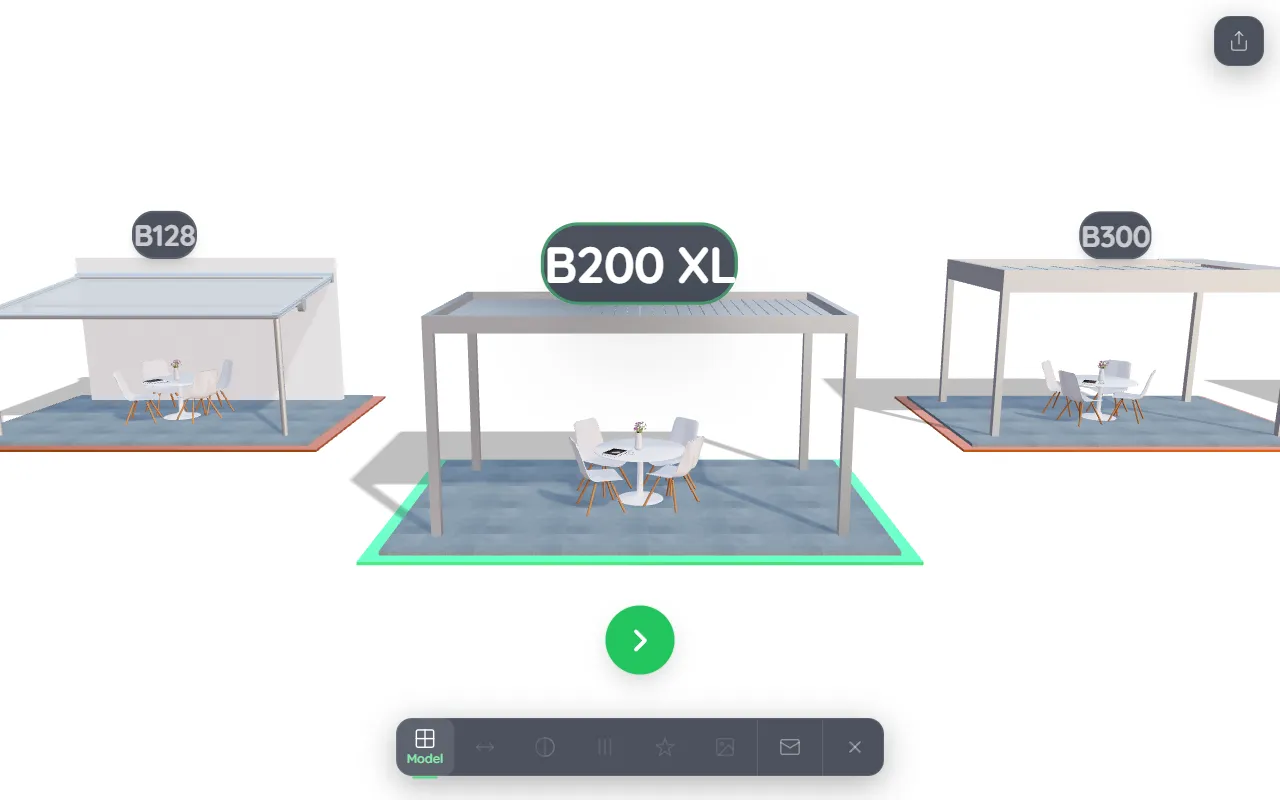
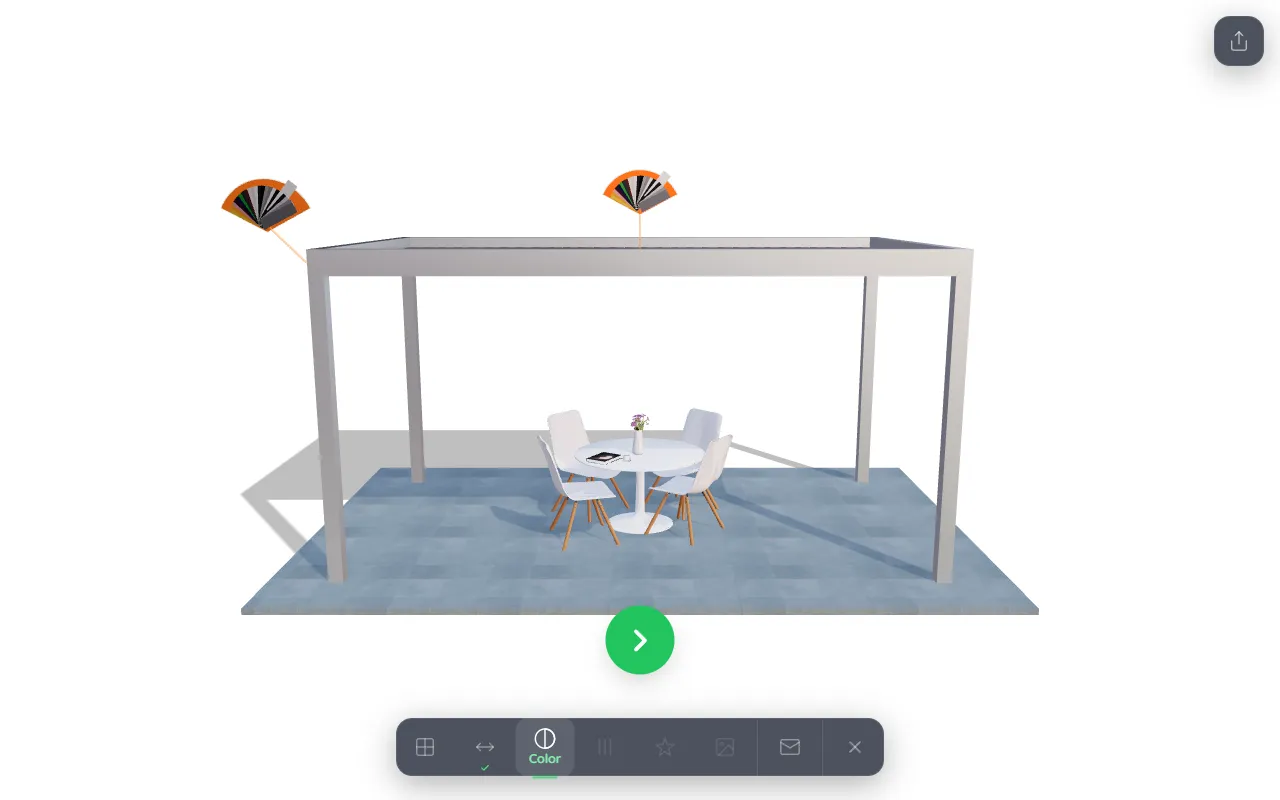
See it in the real world
Your customers don't just rotate the model on screen. They can place it where it's actually going:
- View in their room: on a phone, they scan a QR code and the product appears life-size in 3D, right in their own garden or on their patio, through the camera. Works on both iPhone and Android.
- On a real photo: the design can be dropped onto a photo of a real space and scaled to sit naturally on the spot, so they see it exactly where they imagine it.
This is the closest thing to seeing the finished product before buying, and it's what turns a browser into a confident quote request. The configurator has a simple 3D / Photo / AR toggle to switch between these views.
What you receive
Every time someone submits a quote request, you receive an email immediately. The email contains:
- The customer's name, email address, and phone number
- The exact product they designed: model, dimensions, colours, extras
- The date and time of the request
No chasing customers for specs. No back-and-forth emails to understand what they want. Just a ready-to-quote lead in your inbox.
How it gets on your website
You paste a short piece of code into your website once. After that, CPQ3D handles everything automatically. There are two options:
- "See in 3D" buttons: CPQ3D adds a button on top of your existing product photos. Visitors click the button and the configurator opens right on your page, without leaving your website.
- Direct link: a web address you can share by email, WhatsApp, or as a QR code. Opens the configurator directly, no website needed.
See Getting Started for step-by-step instructions.
Who is it for?
- Dealers selling configurable products: pergolas, carports, awnings, conservatories, verandas, garage doors, fencing, and more. If your product has options (size, colour, extras), it's a good fit.
- Manufacturers and distributors who want to roll out 3D configuration across their dealer network. See Admin for how organizations work.
Was this page helpful?
Thanks for the feedback!